引言
本地localhost、127.0.0.1的SSL证书创建方法可以看一下我之前写的文章
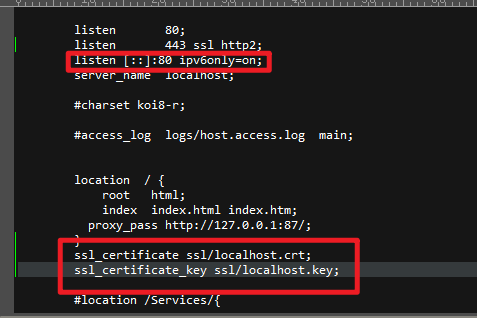
修改配置
配置文件aria2.conf添加如下部分
rpc-secure=true
rpc-certificate=E:/Software/Nginx/conf/ssl/cert.pem
rpc-private-key=E:/Software/Nginx/conf/ssl/cert.key
直接使用pem和key
报错了,需要p12,不支持pem格式

https://aria2.github.io/manual/en/html/aria2c.html#rpc-options
pem转p12
打开 openssl,进入到openssl后输入
pkcs12 -export -in cert.pem -inkey cert.key -out cert.p12
配置文件aria2.conf添加如下部分
rpc-secure=true
rpc-certificate=E:/Software/Nginx/conf/ssl/cert.p12
rpc-private-key=E:/Software/Nginx/conf/ssl/cert.key
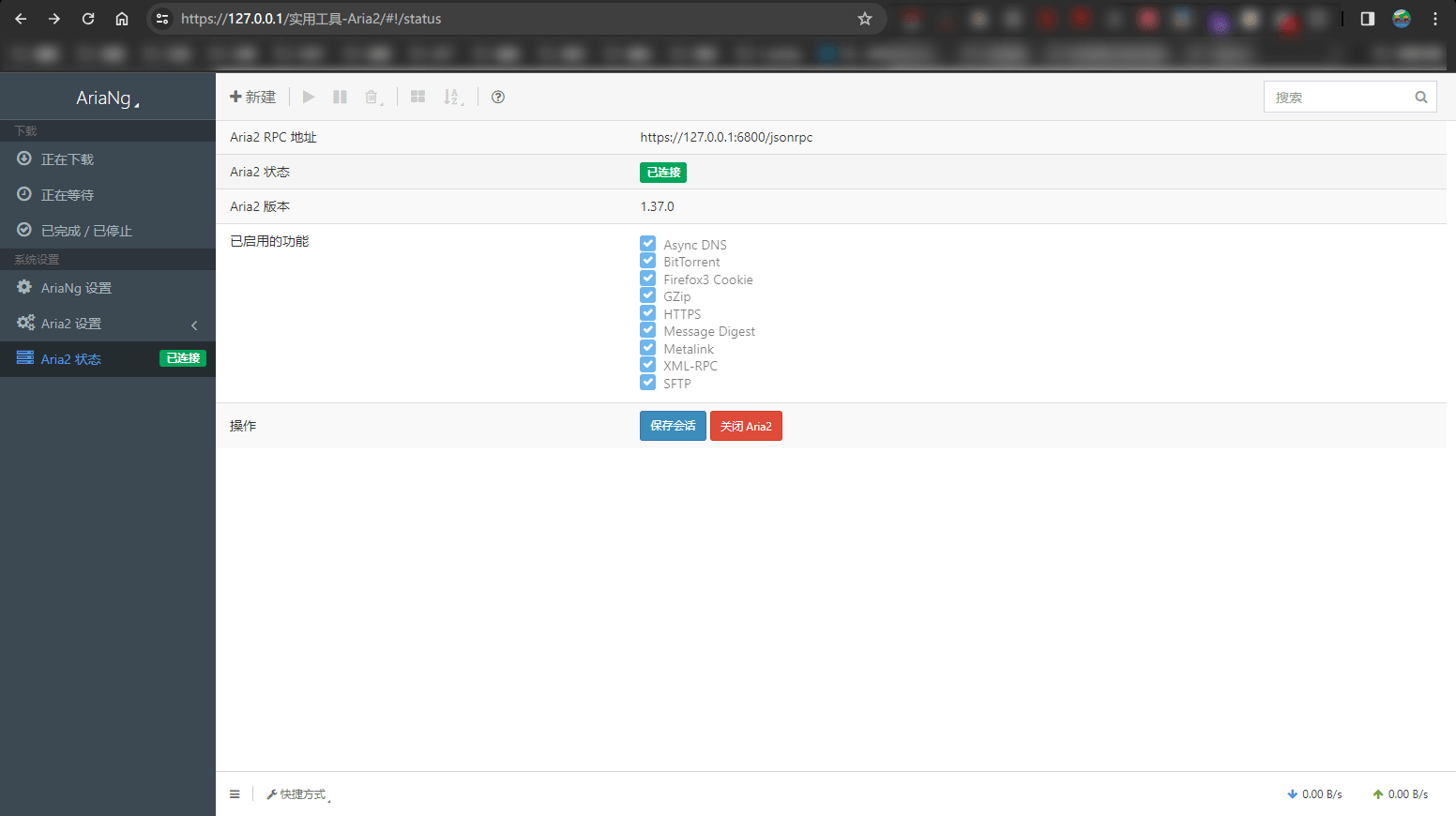
⚠️ 如果使用HTTPS,就不能再用HTTP访问了,只能选择一个。

评论 0
还没有评论,来说点什么吧。