引言
突然想搞搞视频推流,nginx本身也是实时服务,nginx也可以做到,但是官网上下载的并不会引入RTMP包,找别人编译好的版本又太低,所以自己动手啦。
本文章也是本人操作的记录,如果当作教程,建议先大体上浏览一下这篇文章,再操作。
其实按照官网上的也能编译成功,只不过对于我这种菜鸟实在是太不友好了,实际上也就是做了官网上所说的那些。
曾经也尝试过好多次,但是都以失败告终。
失败的原因,安装了pentestbox,里面集成了好多工具,并且加入到了环境变量,导致用的都是pentestbox中的软件,可能是版本太低或者是其它原因,导致nmake失败,所以建议失败的时候,通过where检查一下所用的编译工具是否是我们真正需要的那个。
准备工作
参考文献:http://nginx.org/en/docs/howto_build_on_win32.html
下载的源码不要在http://nginx.org/en/download.html那个页面下载。
下载生成工具
visual studio
下载源码:
nginx
下载依赖包:
zlib
openssl
pcre2
msys2
Strawberry Perl
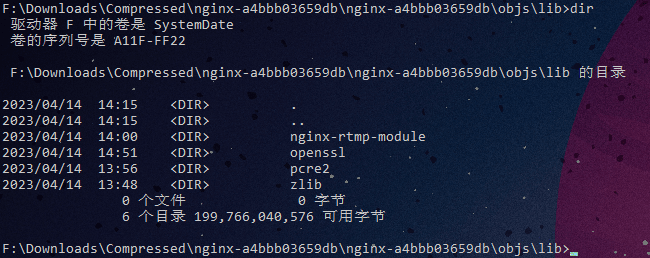
在nginx源码目录中创建\objs\lib目录,把zlib, openssl, pcre2解压到这里,现在不需要编译哦,源码扔进来就可以了,如果需要引入其它的模块,也可以顺便放进来。
如图所示:
版本信息
| 软件 | 版本 |
|---|---|
| VS | 2022 |
| zlib | 1.2.13 |
| pcre | 2-10.43 |
| openssl | 3.1.0 |
| perl | 5.32.1.1 |
msys2进行生成安装配置
打开msys2,会进入一个黑窗口,在这里进行熟悉的configure操作。
⚠这里需要按需配置,就比如说我引入了rtmp,在这里配置的
⚠openssl zlib pcre2 的路径要和实际的保持一致
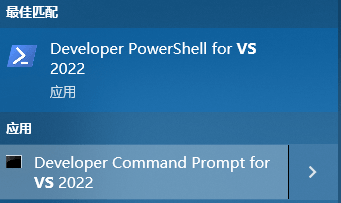
建议通过vs构建工具打开
msys2_shell.cmd并添加参数-msys -use-full-path
auto/configure \
    --with-cc=cl \
    --with-debug \
    --prefix= \
    --conf-path=conf/nginx.conf \
    --pid-path=logs/nginx.pid \
    --http-log-path=logs/access.log \
    --error-log-path=logs/error.log \
    --sbin-path=nginx.exe \
    --http-client-body-temp-path=temp/client_body_temp \
    --http-proxy-temp-path=temp/proxy_temp \
    --http-fastcgi-temp-path=temp/fastcgi_temp \
    --http-scgi-temp-path=temp/scgi_temp \
    --http-uwsgi-temp-path=temp/uwsgi_temp \
    --with-cc-opt=-DFD_SETSIZE=1024 \
    --with-pcre=objs/lib/pcre2 \
    --with-zlib=objs/lib/zlib \
    --with-openssl=objs/lib/openssl \
    --with-openssl-opt=no-asm \
    --with-http_ssl_module \
    --add-module=objs/lib/nginx-rtmp-module \
    --with-http_ssl_module \
    --with-http_v2_module \
    --with-stream \
    --with-stream_ssl_module \
    --with-http_sub_module \
    --with-http_dav_module \
    --with-http_realip_module \
    --with-http_auth_request_module \
    --with-http_stub_status_module
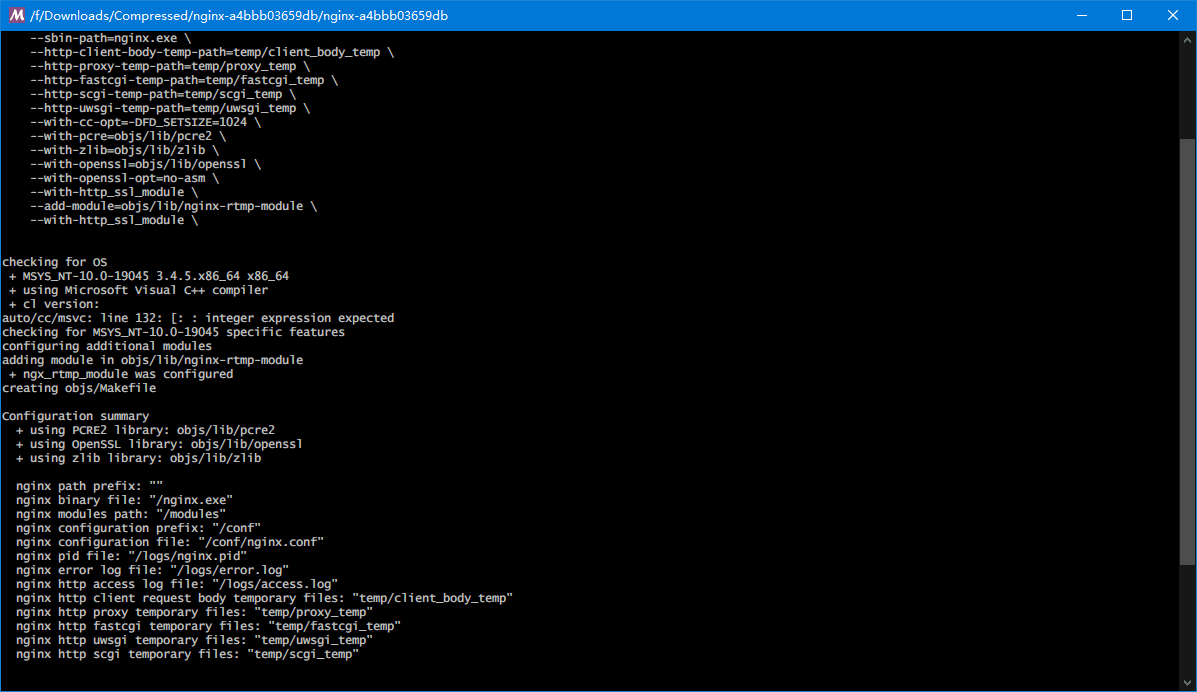
nmake安装
找到这个东东
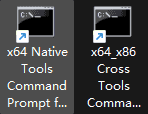
如果你需要指定生成位数,需要选择对应的构建工具链。
切换到nginx源码路径
如果是对照着文章,一边操作,请再往下看几行。
在这里输入nmake
经过漫长的等待,迎来了报错
objs/lib/nginx-rtmp-module/ngx_rtmp_core_module.c(611): error C2220: 以下警告被视为错误
objs/lib/nginx-rtmp-module/ngx_rtmp_core_module.c(611): warning C4456: “sa”的声明隐藏了上一个本地声明
objs/lib/nginx-rtmp-module/ngx_rtmp_core_module.c(506): note: 参见“sa”的声明
这里需要修改一下配置。
源码路径\objs\Makefile
第三行的
CFLAGS = -O2 -W4 -WX -nologo -MT -Zi -Fdobjs/nginx.pdb -DFD_SETSIZE=1024 -DNO_SYS_TYPES_H
改成
CFLAGS = -O2 -W3 -nologo -MT -Zi -Fdobjs/nginx.pdb -DFD_SETSIZE=1024 -DNO_SYS_TYPES_H
编译完成
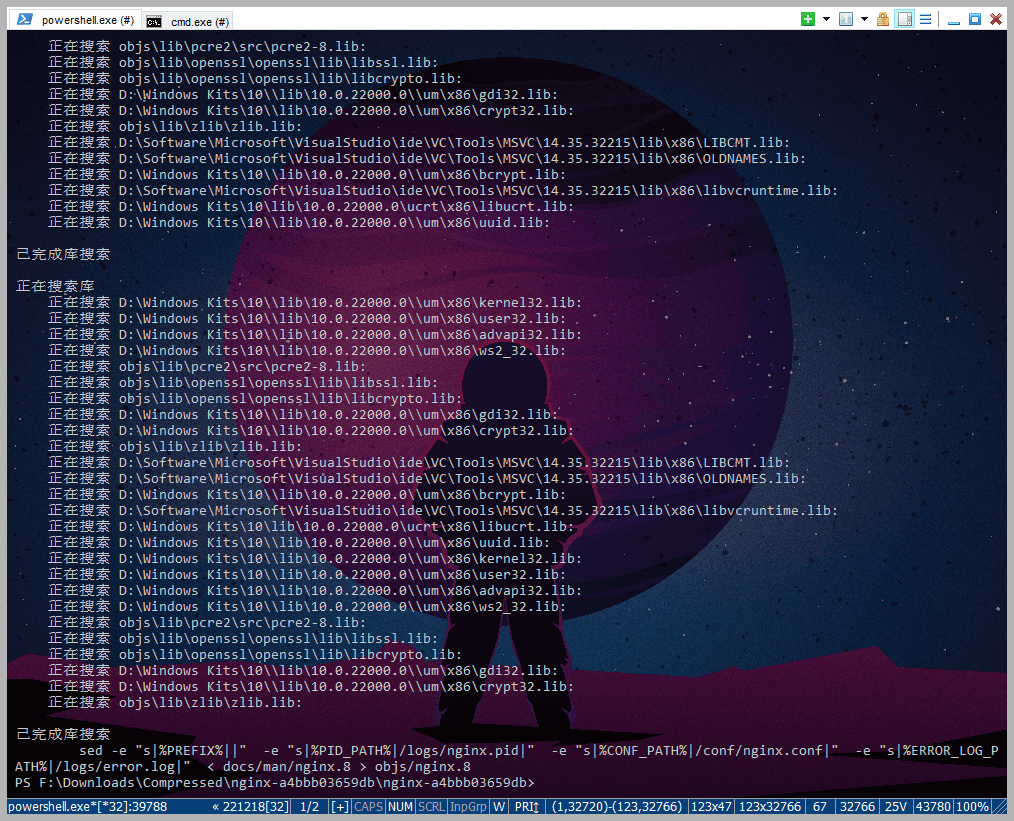
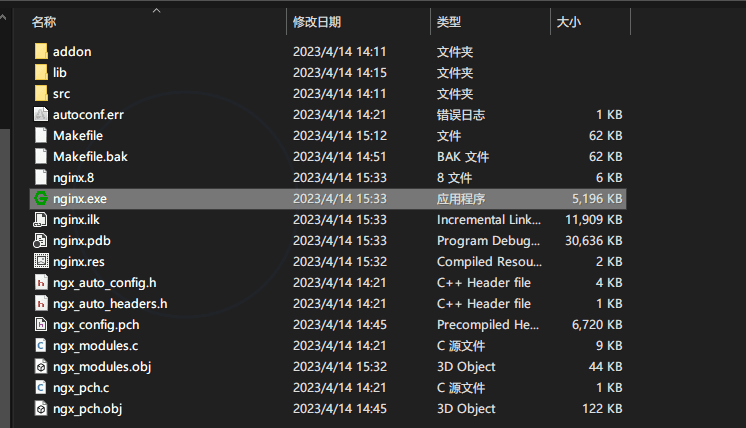
测试
这里我是直接替换了原来的nginx.exe
nginx -v
nginx version: nginx/1.24.0
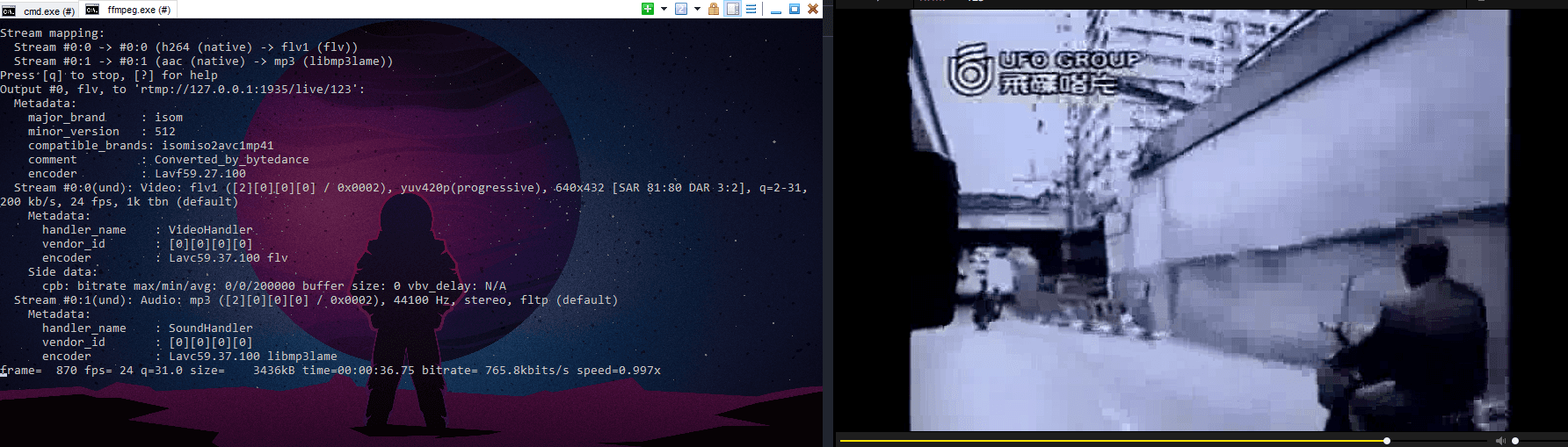
推流测试
ffmpeg -re -i F:\Videos\短视频\大国民——郑智化.mp4 -f flv rtmp://127.0.0.1:1935/live/123
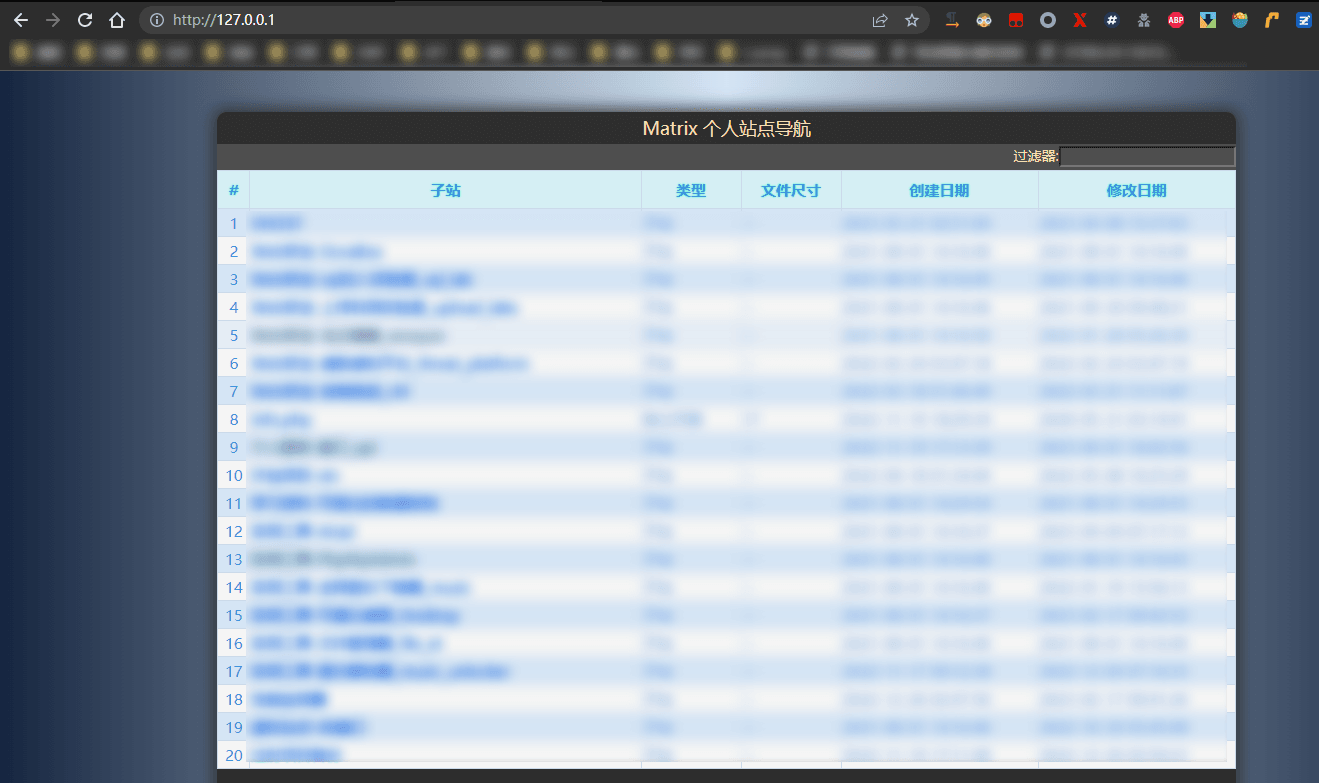
HTTP 测试
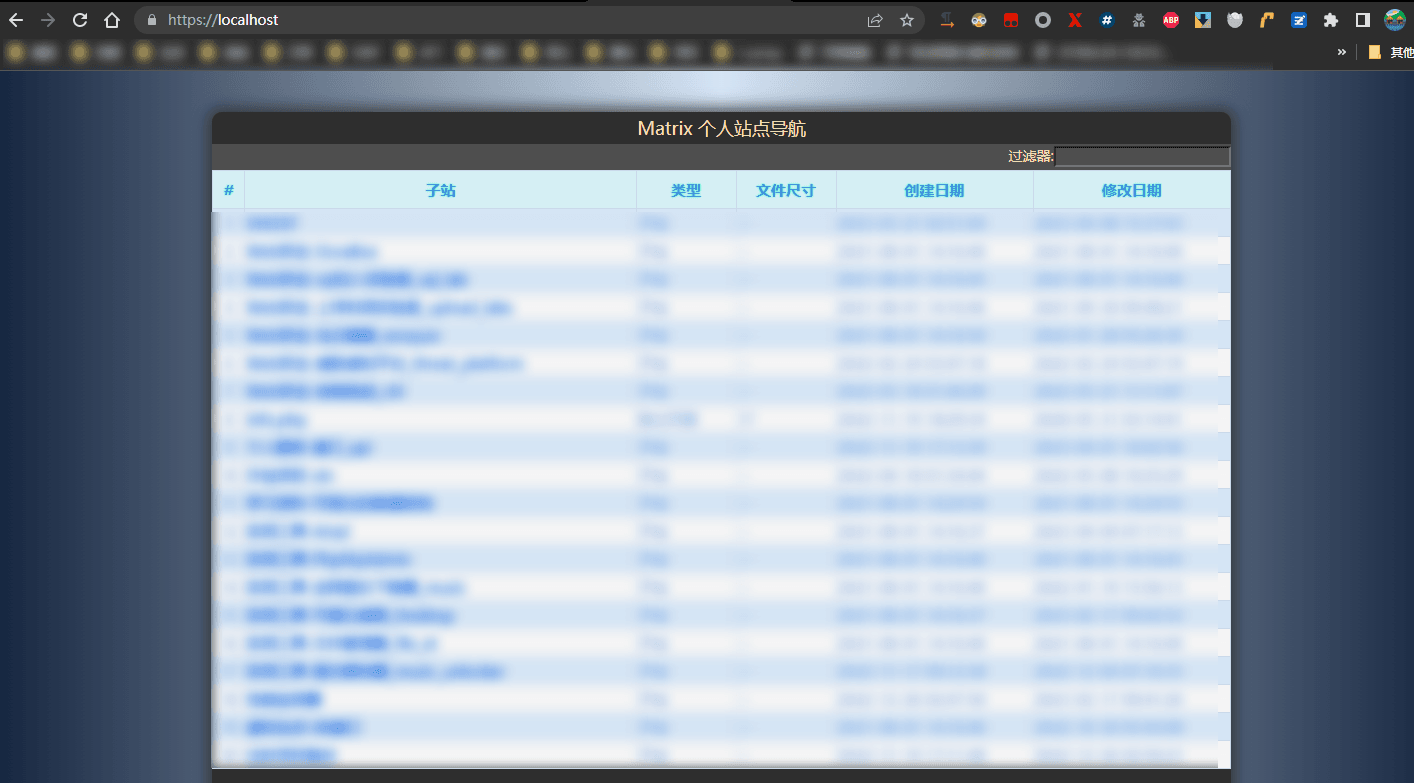
HTTPS测试
按需下载
如果有人需要支持rtmp的nginx,可以直接下载哦。
如果想编译64位
确保obj/lib/openssl没有之前编译的产物,如果上次x86编译过,就会报错。建议重新解压一下openssl的源码
修改通过msys进行configure之后生成的Makefile,批量替换VC-WIN32->VC-WIN64A
通过X86的工具栏进行编译
结语
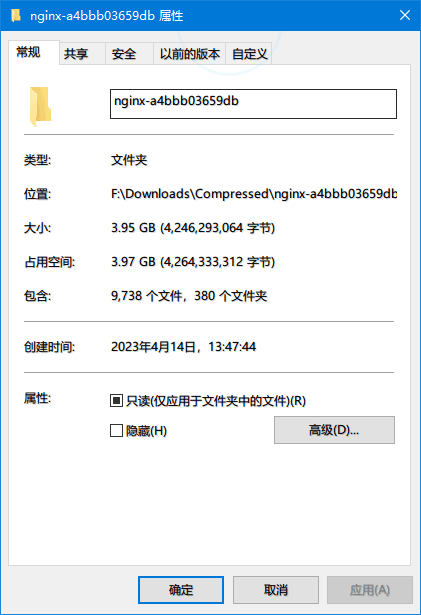
编译过程是真的太慢了,当我查看文件夹大小的时候,吓到我了。经过检查,是openssl的test目录很占地方,具体这个test是干嘛的就没时间研究了。完结。


评论 0
还没有评论,来说点什么吧。