引言
有些网站不允许电脑访问,甚至只允许通过微信内置浏览器打开,这样对于用户来说极不方便,看个电影都这么麻烦了嘛。emmm
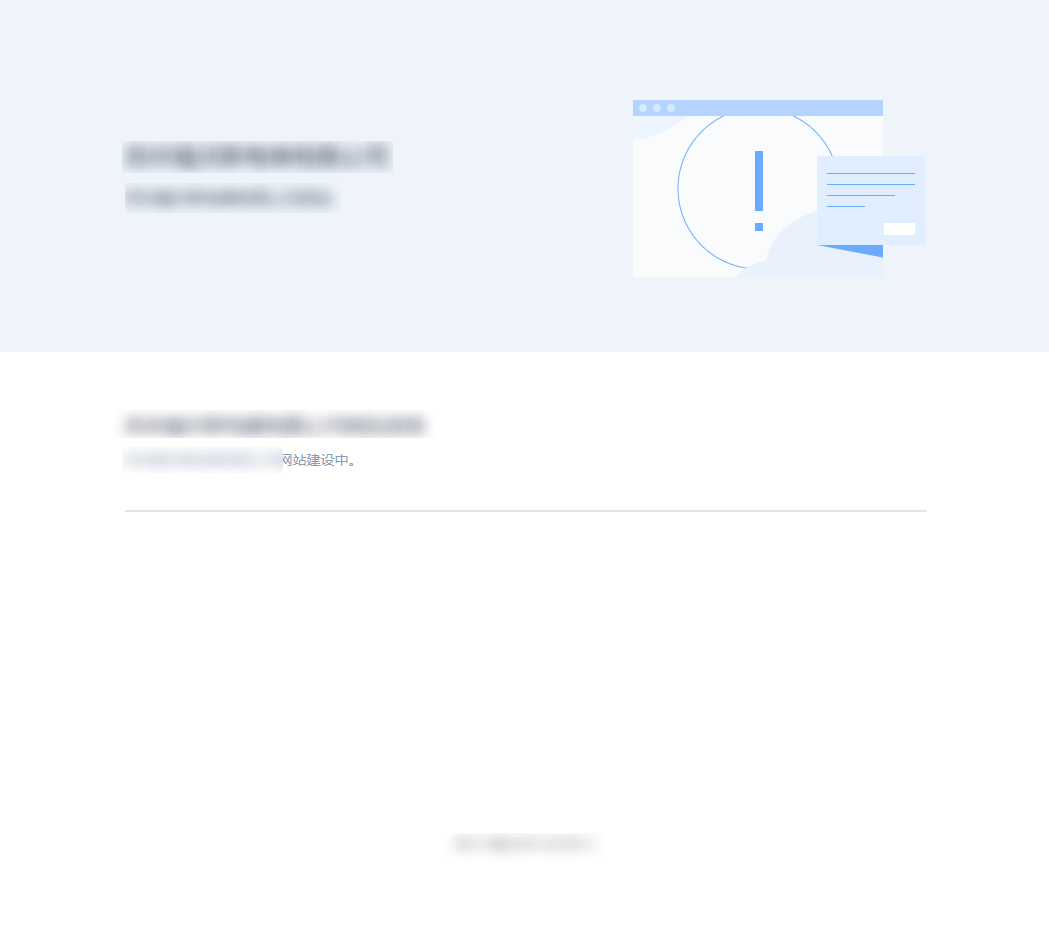
页面刚开始的时候能正常显示一下,然后突然就变成了下面这样的效果。

分析
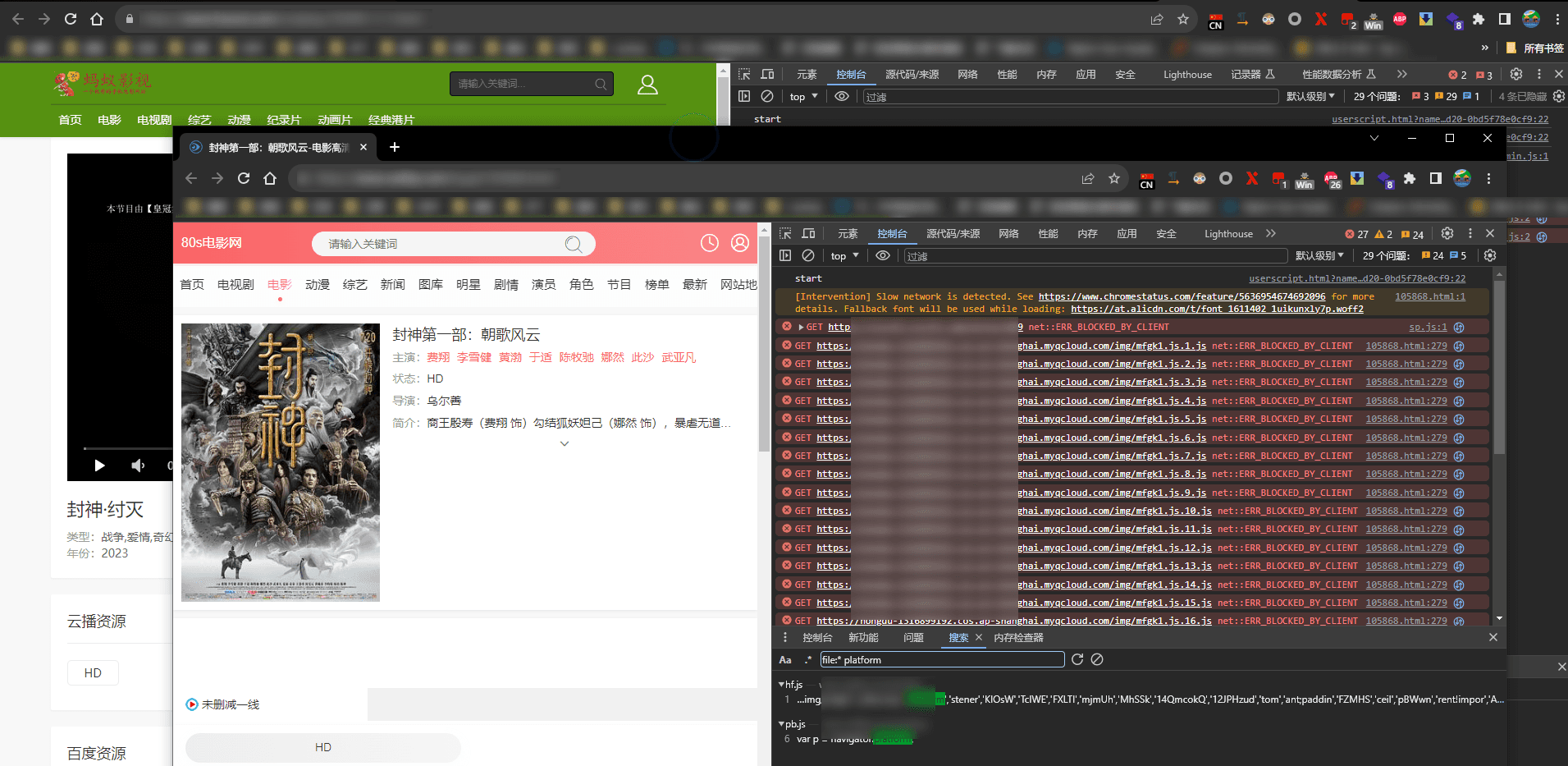
实际上页面是加载过来的,因为开发者工具中能够看到响应部分)——(尴尬的是console已经暴露了)
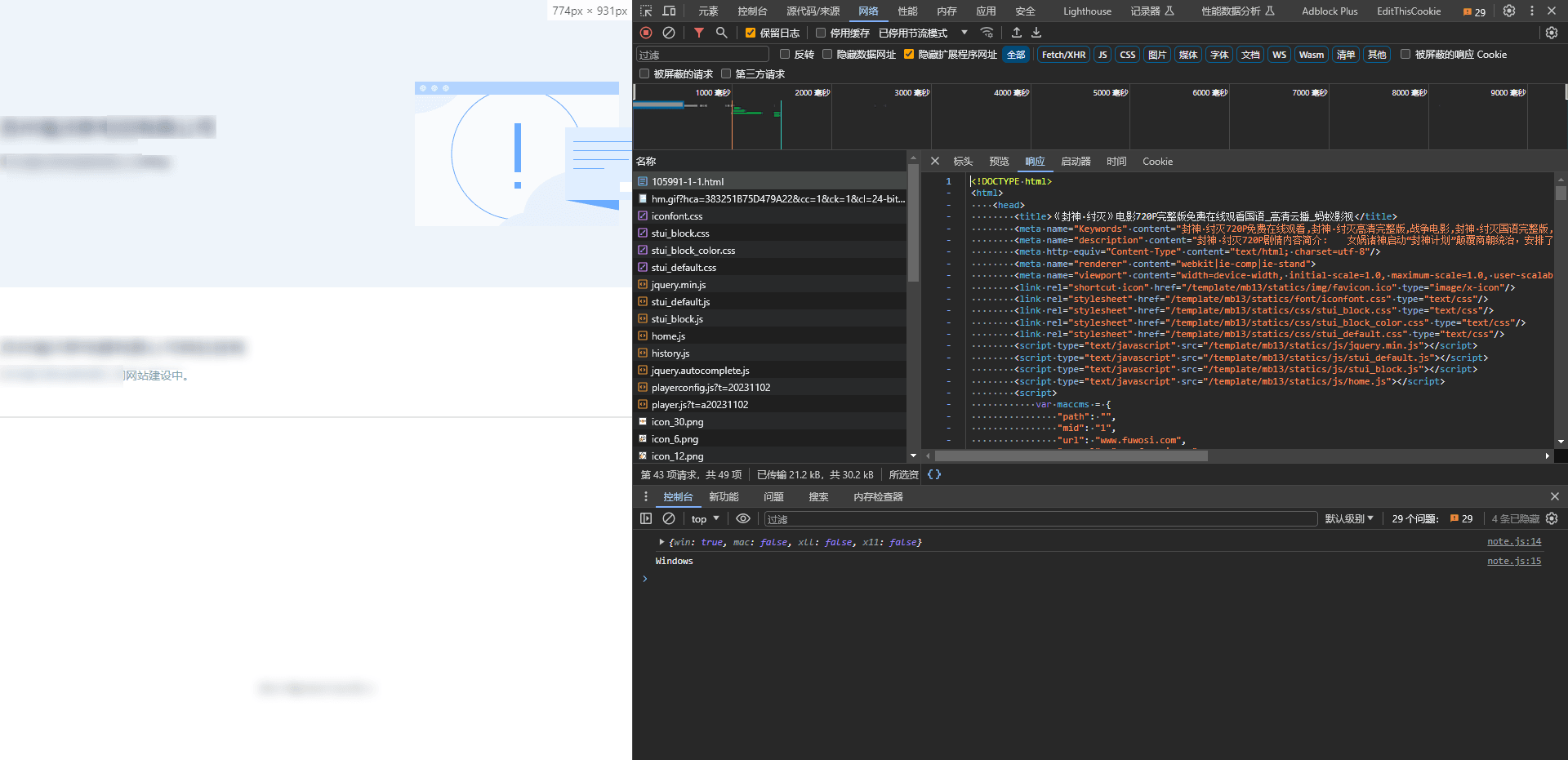
暴力搜索一下platform
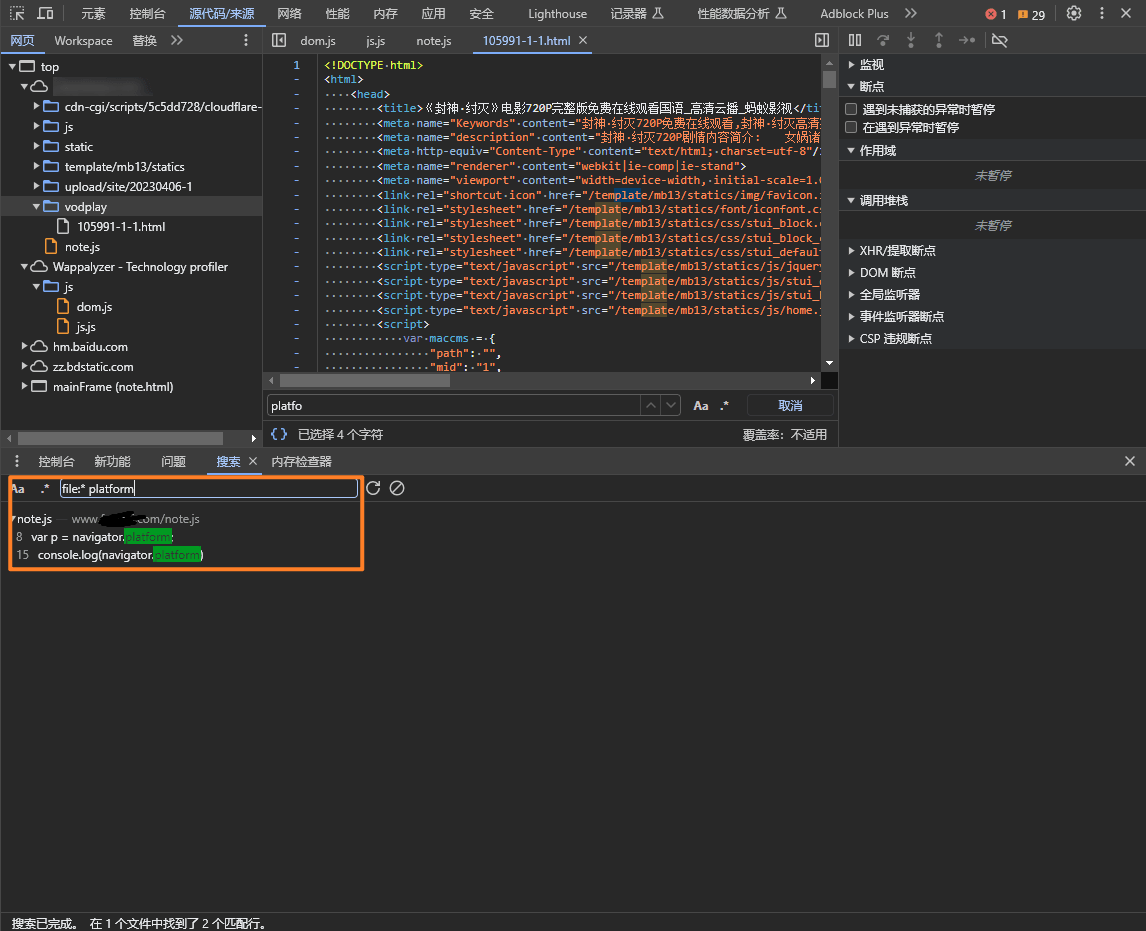
简单分析一下note.js
(function(w, d) {

    var system = {
        win: false,
        mac: false,
        xll: false
    };
    var p = navigator.platform;  // 获取操作系统
    var us = navigator.userAgent.toLowerCase();
    system.win = p.indexOf("Win") == 0;
    system.mac = p.indexOf("Mac") == 0;
    system.x11 = (p == "X11") || (p.indexOf("Linux") == 0);
    if (system.win || system.mac || system.xll) { // 如果是windows,max或者是??什么鬼,x11,写成了xll,程序员扣大分
        console.log(system) // 你要是不输出,我还费点劲,这下直接告诉我你在哪儿校验的了。emmm
        console.log(navigator.platform)
        var iframe_url='/note.html';
        $("head").html('<meta charset="UTF-8"><meta name="referrer" content="no-referrer"><title>xxxxx</title><style>body{position:static !important;}body *{ visibility:hidden; }</style> ');
        $("body").empty();
        $(d).ready(function () {
            $("body").html('<iframe style="width:100%; height:100%;position:absolute;margin-left:0px;margin-top:0px;top:0%;left:0%;" id="mainFrame" src="'+iframe_url+'" frameborder="0" scrolling="no"></iframe>').show();
            $("body *").css("visibility", "visible");
        });
    }

})(window, document);
好多网站都是这一套,变量名都没变过,开来面向CV的工程师不少呀。
这个例子不太好,我再找一个。
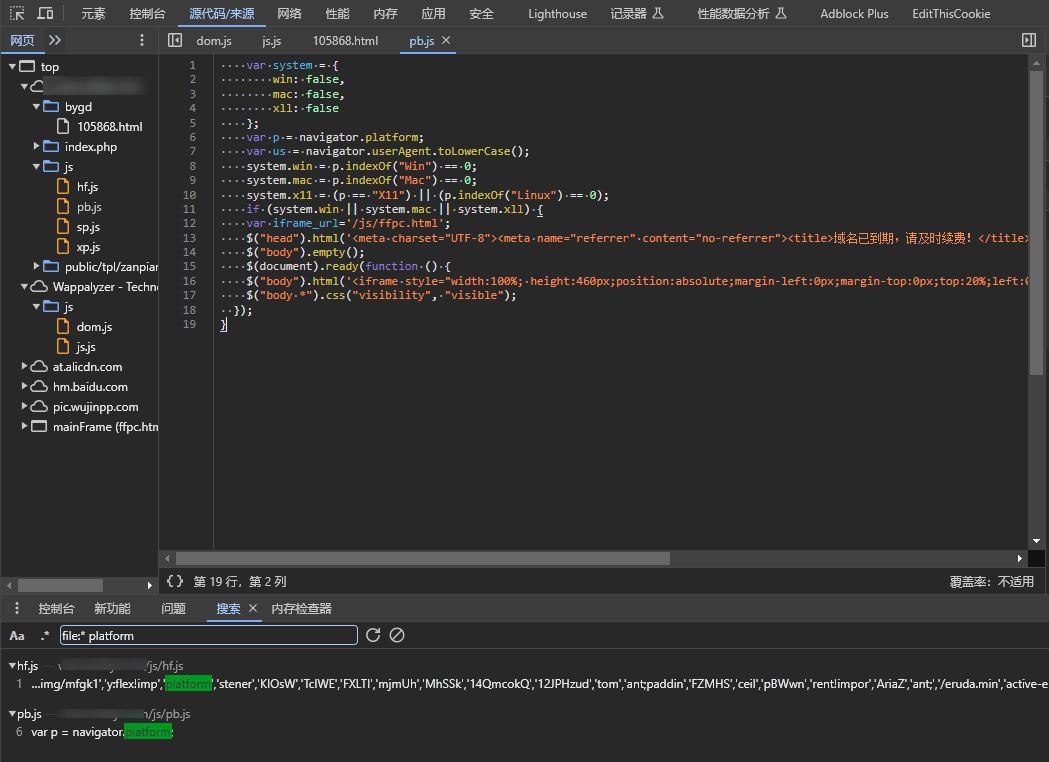
这个网站还好,毕竟没有把x11写成xll,😓
进阶分析
<script type="text/javascript">
    //平台、设备和操作系统
     var system ={
     win : false,
        mac : false,
        x11 : false
       };
     //检测平台
     var p = navigator.platform;
     system.win = p.indexOf("Win") == 0;
     system.mac = p.indexOf("Mac") == 0;
     system.x11 = (p == "X11") || (p.indexOf("Linux") == 0);
     if(system.win||system.mac||system.x11){
        window.location.href="xxx";
     }else{
    }
</script>
当页面加载的时候,就进行校验,此时如果是win、mac、x11,就跳转页面,捕捉难度稍微高了点,这里可以通过代理修改页面逻辑,删掉代码,可以考虑使用fiddler,具体操作自行学习(fiddler 修改响应体)
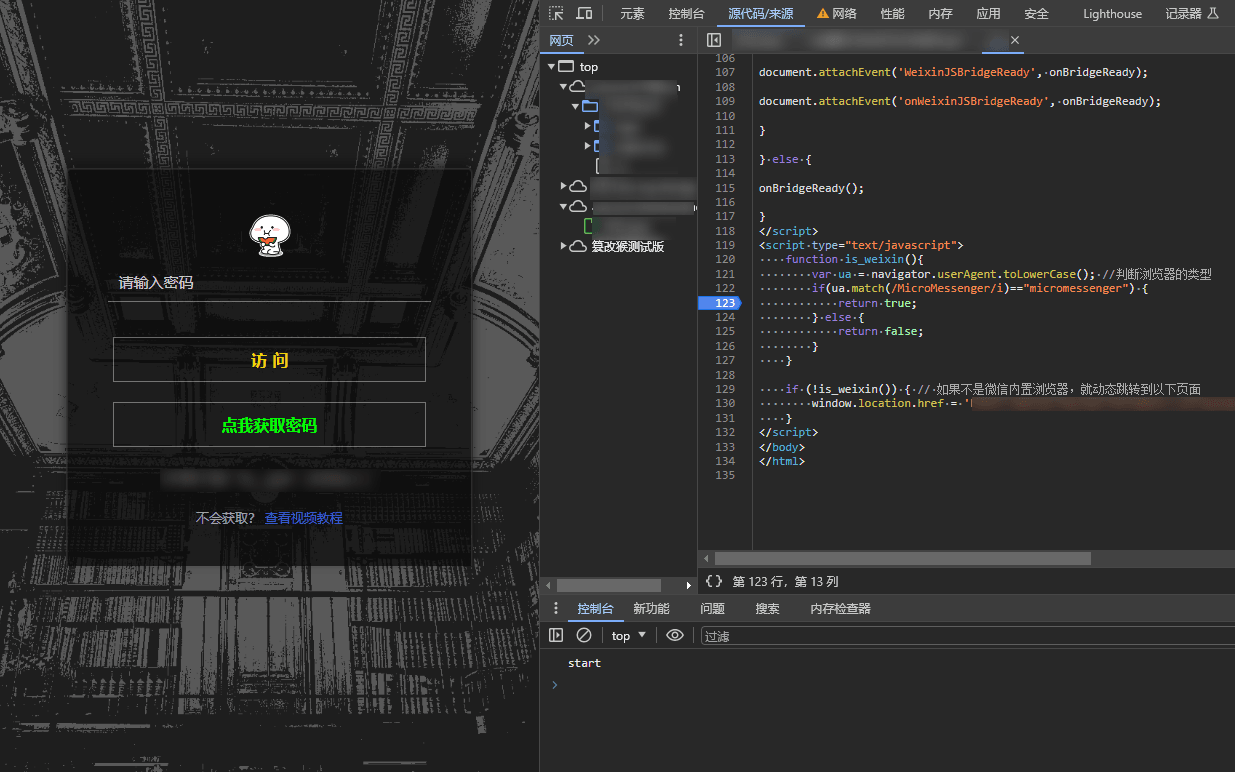
function is_weixin(){
        var ua = navigator.userAgent.toLowerCase(); //判断浏览器的类型
        if(ua.match(/MicroMessenger/i)=="micromessenger") {
            return true;
        } else {
            return false;
        }
    }

    if (!is_weixin()) { // 如果不是微信内置浏览器,就动态跳转到以下页面
        window.location.href = 'xxx';
    }
这个demo的代码注释写的很好,下次不要写了,要不我写啥呢?emmm
这段代码只允许微信内置浏览器访问。
解决方案
- 通过F12,设置网速,让网速变慢,然后页面加载过来就停止加载页面,在sources中添加断点,然后一步一步的修改跳转的条件。
- 通过Fiddler,修改页面响应体,删掉校验逻辑,或者注入自己的逻辑
- 使用油猴插件,见下文
暂时想到这么些
油猴插件
// ==UserScript==
// @name         浏览器UA和操作系统反拦截
// @namespace    https://www.zunmx.top/
// @version      0.1
// @description  try to take over the world!
// @author       zunmx
// @match        *://*/*
// @run-at       document-start
// @icon         data:image/gif;base64,R0lGODlhAQABAAAAACH5BAEKAAEALAAAAAABAAEAAAICTAEAOw==
// @grant        none
// ==/UserScript==


// ==UserScript==


// ==/UserScript==

(function() {
    'use strict';
console.log("start");
Object.defineProperty(navigator,'platform',{get:function(){return 'Android';}})
var UserAgent = 'MicroMessenger';
//修改后的userAgent
Object.defineProperty(navigator, 'userAgent', {
    value: UserAgent,
    writable: false
});

})();
使用插件后

评论 1